A private semaglutide log on iPhone
Track semaglutide entries on iPhone with history, reminders, and an optional activity estimate from logged doses. PepLedger is not medical advice.
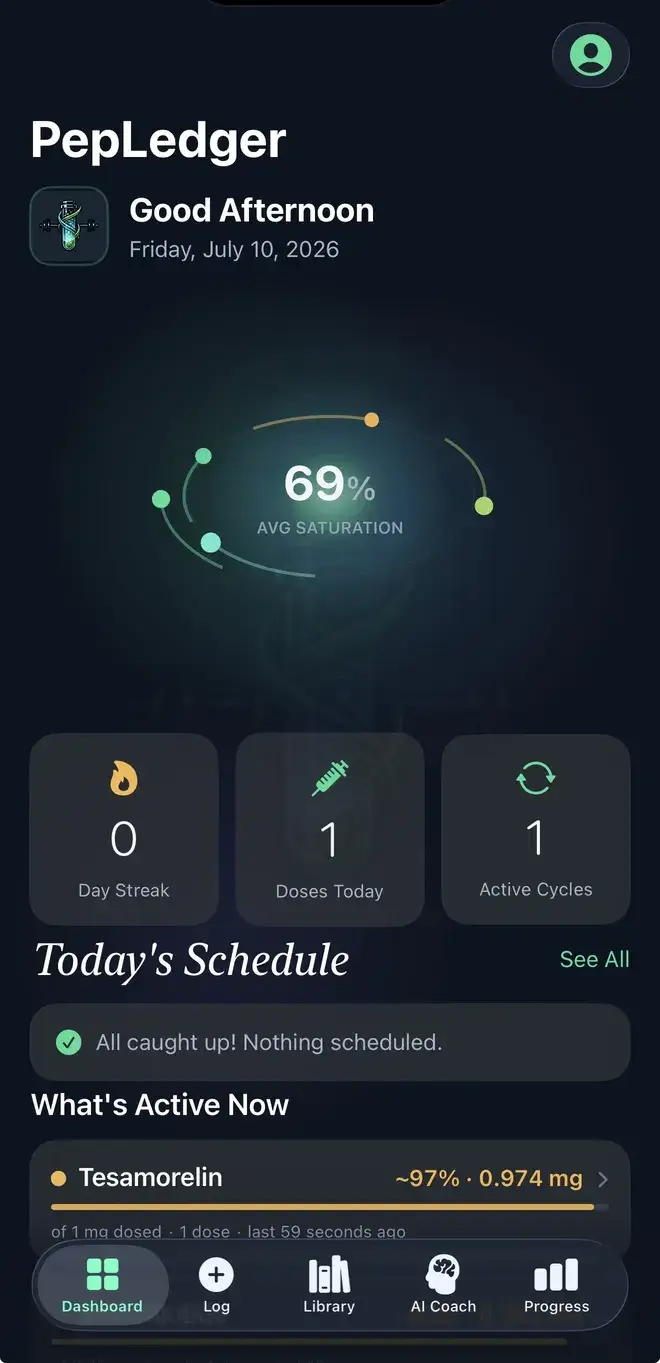
Build a semaglutide history around completed events
Semaglutide entries may recur, but a useful history is more than a recurring reminder. It preserves the date an event was recorded, the unit written down, and context a person wants available later. PepLedger puts that history on iPhone. FDA labeling for Ozempic describes a once-weekly product schedule and escalation in that product-specific context; it is not universal guidance for every formulation. What’s Active Now is not a medication-level test.
When an event is complete, record its date and time first. Add amount and unit as you wish to preserve them, then capture method, site, and source wording. A separate note can hold an observation or correction without making it look like another event. The calendar view and reminders help find records to review; they do not decide whether anything should happen. Inventory and expiration fields are user-entered references, not checks of identity, storage, quality, or safety.
Use the semaglutide calculator as a record aid
The semaglutide reconstitution calculator can perform arithmetic from values you supply. Keep source values with your record and check them against documentation available to you. A result does not identify a container or become a recommendation. Preserve label transcription separately from a completed event so a review can tell what was copied, what happened, and what was only an observation.
Read a semaglutide timeline cautiously
Review entries for duplicated dates, mixed units, and a planned note mistaken for a completed record. Body measurements, observations, or laboratory values can be entered separately. Proximity in time is not evidence that an event caused a change, and PepLedger does not interpret results. Any active estimate depends on user-entered dates, units, and assumptions. It is not a blood concentration, diagnosis, effectiveness claim, safety assessment, or individualized model.
The person using PepLedger supplies name, amount, unit, date, time, method, site, label note, inventory entry, observation, and lab value. The app does not independently confirm them or claim to validate semaglutide or a represented treatment. Read About PepLedger, the methodology, and the Privacy Policy.
User-entered boundaries and official listing
PepLedger runs on iPhone and iPad with iOS 18 or later and is not a clinic portal or medical device. Current Pro features and pricing appear in the app. Open the official PepLedger App Store listing. It does not supply semaglutide, validate a product or treatment, or choose an amount or timing. Nothing on this page is medical advice.
Make recurring history readable
For a semaglutide history that may be reviewed later, keep source wording, event timing, and observations visibly distinct. Mark an unknown detail instead of guessing. If the same label detail is copied more than once, retain the original note and indicate when it was transcribed. This helps a reader see provenance without asking the app to resolve uncertainty.
A complete timeline is not a treatment conclusion. PepLedger cannot decide whether semaglutide is appropriate, confirm a product, or explain a laboratory value. It can make user-entered questions easier to present to a qualified healthcare professional. Use that narrow purpose when sharing a record, and do not treat a reminder or estimate as direction.
When a history changes, preserve the reason for the change and the original source. A repeated label note is not independent evidence, and a missing time should remain visible. This keeps a semaglutide record useful for review without asking software to fill gaps or infer a personal result. A reminder can point to the record, but it cannot supply the missing context. The record should show where memory ends and documentation begins. This is particularly helpful when comparing several dated notes and avoiding repetition as confirmation. The distinction also makes later corrections easier to explain. A timeline is clearer when its provenance is visible, especially when records are shared for review. Keep its source history available.