Log testosterone and labs on iPhone
Track testosterone entries, notes, and lab history in PepLedger for iPhone, with optional activity estimates. A record is not medical advice.
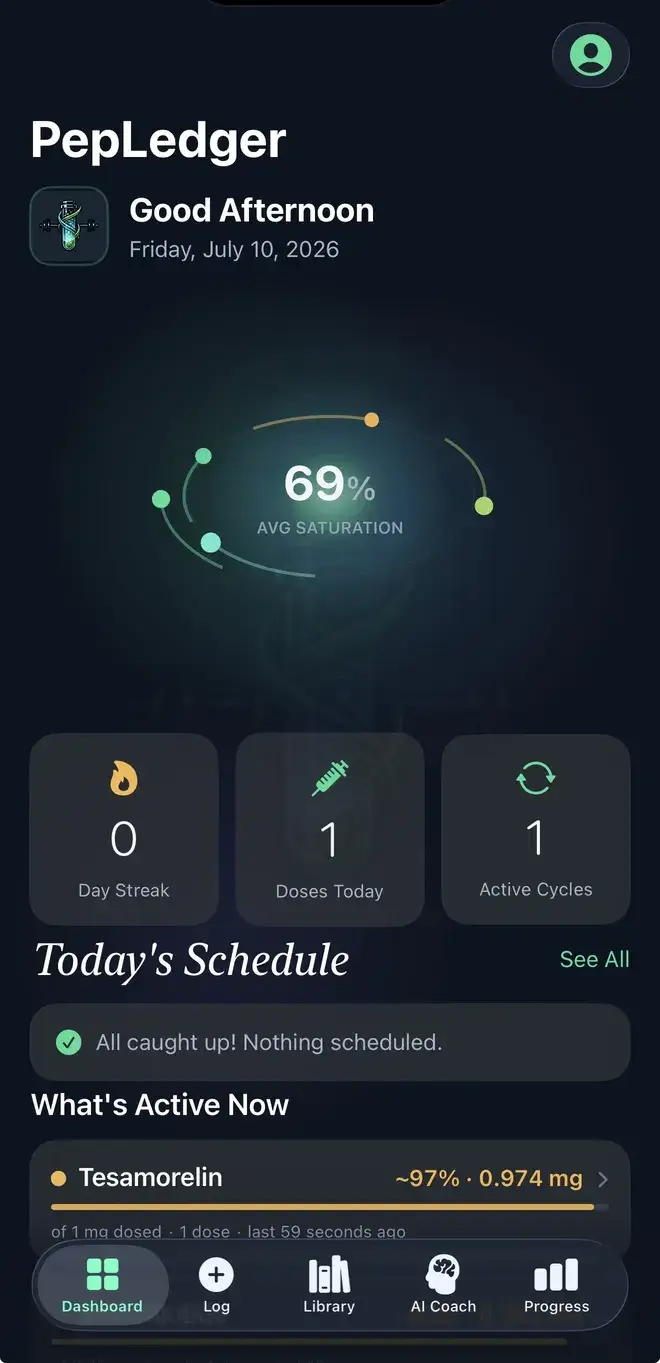
Record testosterone events and evidence separately
Testosterone recordkeeping can span event notes, laboratory paperwork, body measurements, and questions for a qualified healthcare professional. PepLedger gives those user-entered pieces a private iPhone timeline without pretending to interpret them. The Labs area can store a marker, value, date, and reference range supplied by the user; its low, in-range, or high labels are comparisons, not a diagnosis. Cadence and half-life depend on the labeled formulation, so product context must stay with the record; an active display is not a clinic assay.
For an event, enter name, amount, unit, date, time, method, and site. Add source wording, a container note, or a correction separately. For a lab record, enter marker, value, date, units, and the reference range shown on the report. Keeping the range with the value gives context to a simple label but does not replace professional interpretation. Body measurements, observations, inventory, and expiration notes can be dated independently.
Review chronology, not causation
Look for duplicated events, an inconsistent unit, a missing laboratory range, or an observation entered as though it were a lab value. Reports and charts summarize what you supplied. A laboratory result near an event does not prove that event caused it, and PepLedger does not diagnose or interpret results. The active estimate depends on user-entered dates, units, and a configured assumption. It is not a blood concentration, diagnosis, safety assessment, effectiveness claim, or individualized model.
Arithmetic and privacy choices
The Units to mg Calculator can show arithmetic from a verified concentration that you enter; it does not calculate a health decision. The printable shot logs offer a paper alternative. Discreet Mode, Face ID, and PIN lock are privacy features for a visible phone, not clinical safeguards. Read the Privacy Policy before adding personal information.
Every record detail comes from the user: name, amount, unit, date, time, method, site, source note, inventory detail, body measurement, lab value, and reference range. PepLedger does not independently verify those inputs or claim to validate testosterone, a product, or a treatment. Read About PepLedger and the calculation methodology.
A private iPhone record with clear limits
Labs and Progress are available according to the current in-app feature set. PepLedger is for iPhone and iPad on iOS 18 or later, not a medical device or clinic portal. Open the official PepLedger App Store listing. It does not sell testosterone, validate a product or treatment, provide a TRT plan, or advise an amount or timing. Consult a qualified healthcare professional for personal questions; this page is not medical advice.
Keep laboratory context intact
When reviewing testosterone records, keep the report’s units and reference range beside the marker value, and note if a range came from a different report. Record the collection date separately from the date you typed it into the app. If an event was entered late or corrected, say so. These distinctions help prevent a chart from looking more precise than its source material.
PepLedger can organize questions, but it cannot decide what a testosterone result means, confirm a product, or establish that one event caused another observation. The low, in-range, or high label is only a comparison against a user-entered range. Treat the chronology as a record to discuss, not a diagnosis or personal direction.
When a laboratory record is transcribed, keep the report date, collection context, units, and range with it. Note later edits instead of treating the newest text as automatically authoritative. This preserves a useful chain from source to screen while leaving interpretation to a qualified healthcare professional. The app can show a chronology, not a clinical conclusion. The displayed flag should never be separated from the range that produced it. Keeping report context nearby helps prevent a simple comparison from being read as an interpretation, recommendation, or diagnosis. That context also keeps a chart from appearing more authoritative than its source.